
Speakeasy vs Microsoft Teams: Simpler topic-based team chat
Microsoft Teams is strong for companies built around Microsoft 365. Speakeasy is simpler for teams that want focused topic-based conversations without a large workspace to manage.
Start your team chat now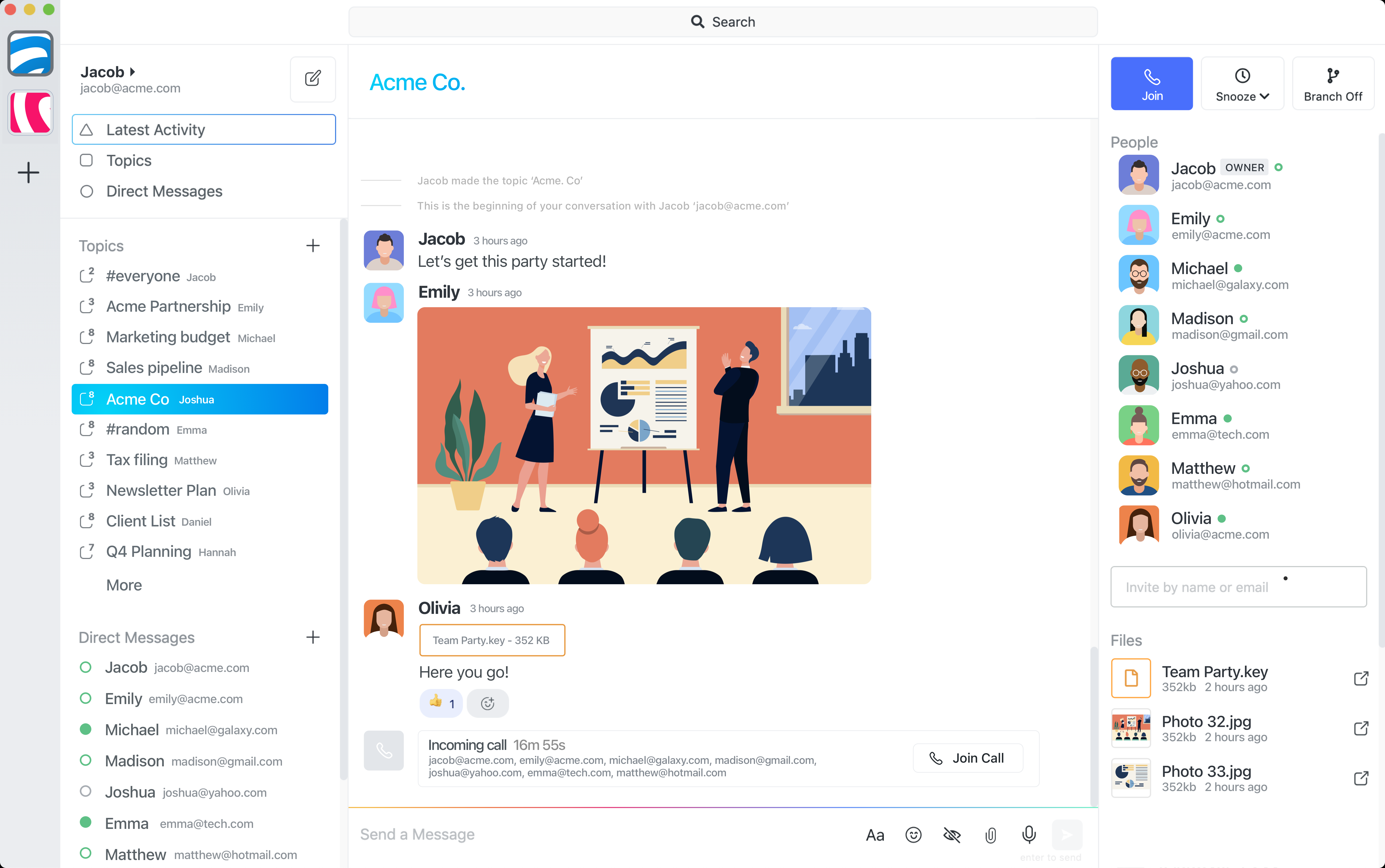
Summary: when to choose Speakeasy vs Teams
Choose Microsoft Teams when chat, meetings, files, calendars, and Microsoft 365 administration all need to sit in one enterprise workspace. Choose Speakeasy when the work is mainly focused team conversation and the team wants less setup, less workspace structure, and fewer broad broadcasts.
Lightweight chat vs Microsoft 365 workspace
Teams is designed as a broad collaboration hub for Microsoft 365-heavy companies, with channels, meetings, files, apps, and admin controls bundled together. Speakeasy keeps the surface area lighter: create the topic, invite the right people, and keep the conversation close to the work.
Topic-based conversations vs meeting-heavy collaboration
Teams is often at its best when meetings, calendar workflows, and Office files are central to collaboration. Speakeasy is a better fit when the primary job is topic-based chat: decisions, files, quick calls, and follow-up stay with the specific conversation instead of spreading across channels and meeting threads.
Threads vs topics
Microsoft Teams channel replies and threads help keep quick side notes near the original post, but they can be hard to follow when approvals, files, and decisions become the main work. Speakeasy topics give that work its own first-class conversation, so people can find it, share it, and close it without digging through an older channel thread.
Reducing team-wide noise
In Teams, important updates can compete with channel activity, meeting chat, and notifications from a large workspace. Speakeasy helps reduce broadcast noise by keeping each discussion scoped to a focused topic and only involving the people who need that context.
Smaller private work discussions
Speakeasy works well for small private discussions across a team, a client group, or a partner group. Instead of creating another channel or pulling a whole department into a thread, a topic can stay intentionally small and easy to follow.
Cost and simplicity
If your organisation already pays for Microsoft 365 and needs its full collaboration suite, Teams can be the practical default. If the team mainly needs simple chat around focused work, Speakeasy avoids the cost of managing a large workspace model and keeps adoption easier for smaller groups.
When Teams is still the better choice
Teams is still stronger for companies that standardise on Microsoft 365, need deep Office file collaboration, rely on scheduled meetings as the centre of work, or require enterprise controls tied to Microsoft identity and administration. Speakeasy is strongest when conversation clarity matters more than suite depth.
Common questions
Is Speakeasy a replacement for Microsoft Teams?
Speakeasy can replace Teams for focused topic-based chat, but Teams is still a better fit when Microsoft 365, meetings, calendars, SharePoint, and enterprise administration need to live in one workspace.
When is Speakeasy better than Microsoft Teams?
Speakeasy is a better fit when a team wants simple, focused conversations without building a heavyweight workspace, managing lots of channels, or broadcasting every update to a large group.
Can Speakeasy support private work discussions?
Yes. Speakeasy topics can stay small and private, with only the people who need the conversation invited into that discussion.