
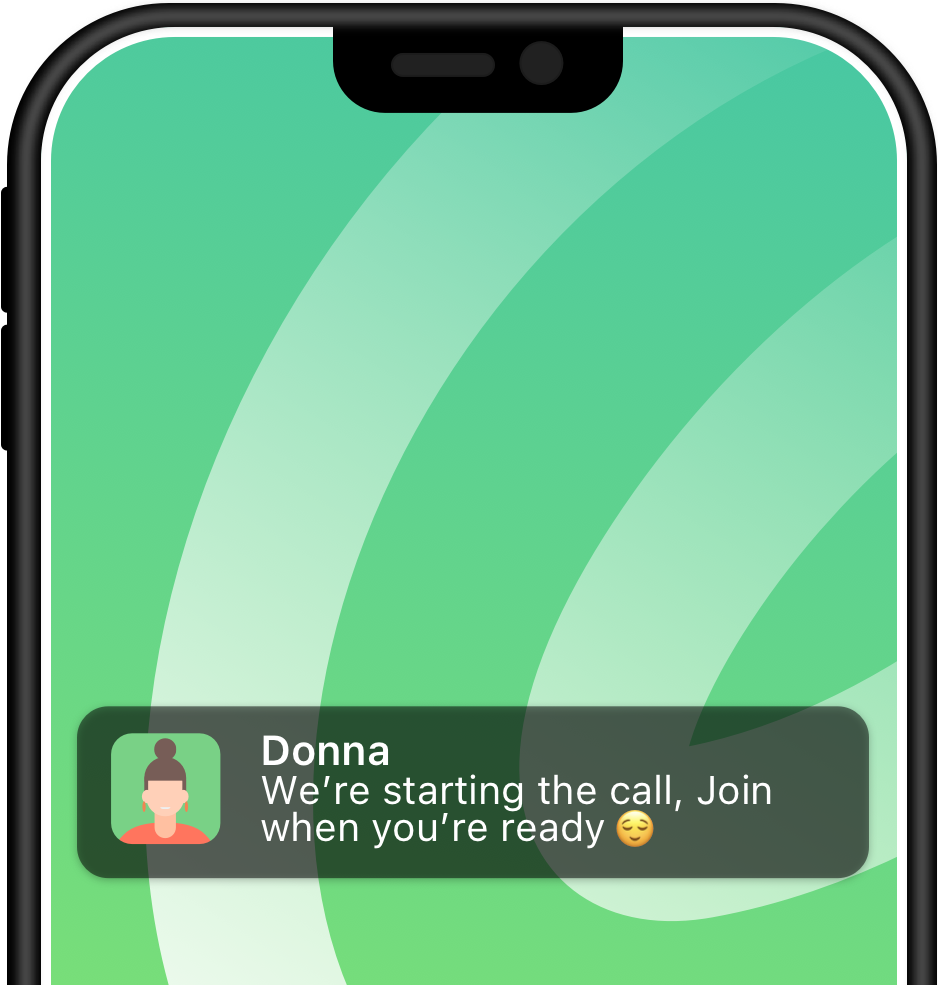

Fewer Notifications
Your phone should only buzz when something is truly important. That’s why Speakeasy reduces notifications, and reserves disruptions for critical or time sensitive messages
Speakeasy is a focused alternative to channel-first chat tools like Slack, Teams, and Discord. Keep work in clear topic-based conversations instead of noisy channels and buried threads.
Speakeasy gives each decision, file, call, and follow-up a focused topic, so teams can reduce broadcast noise without burying real work inside side threads. Teams comparing options can compare Speakeasy with Slack before they switch.
(100% free – create a group chat in 15.6 seconds)

Create a new topic
or branch off an existing topic.
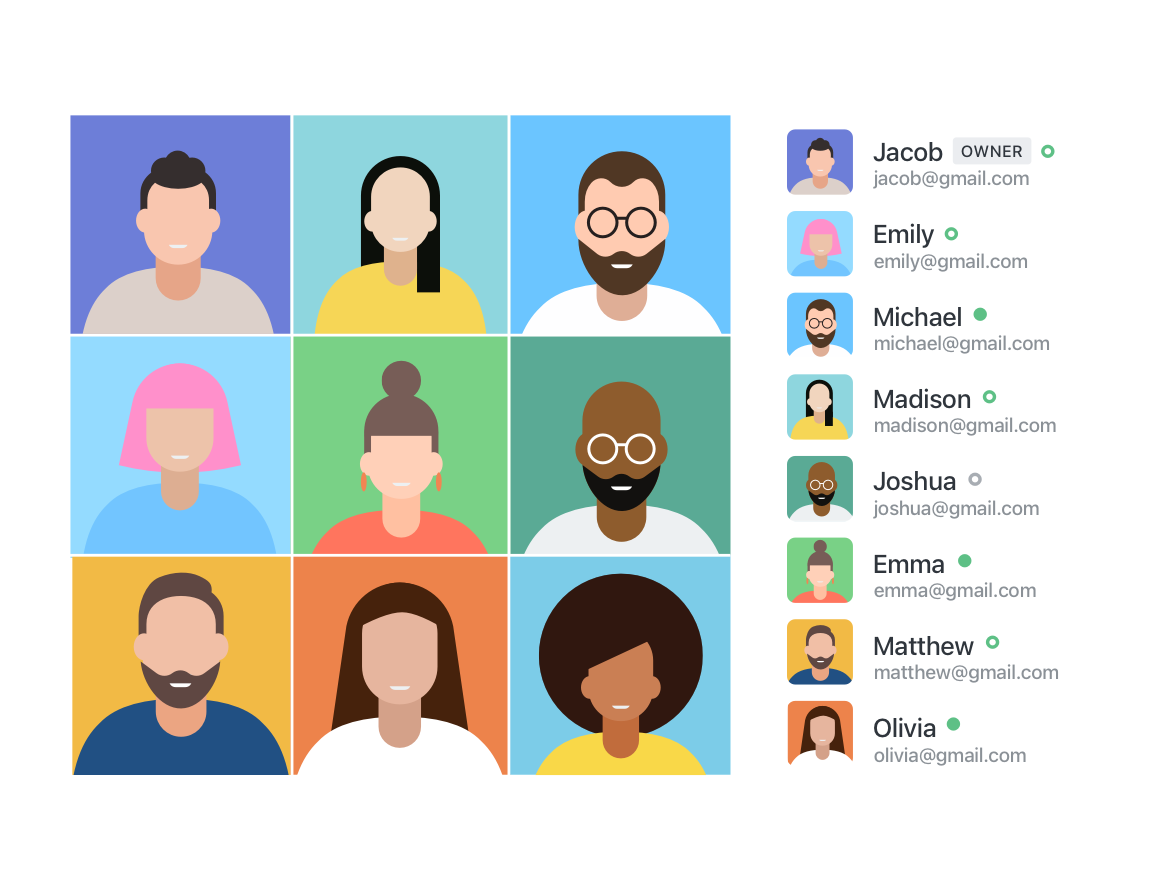
Invite people from your team,
other teams, or outside organizations.

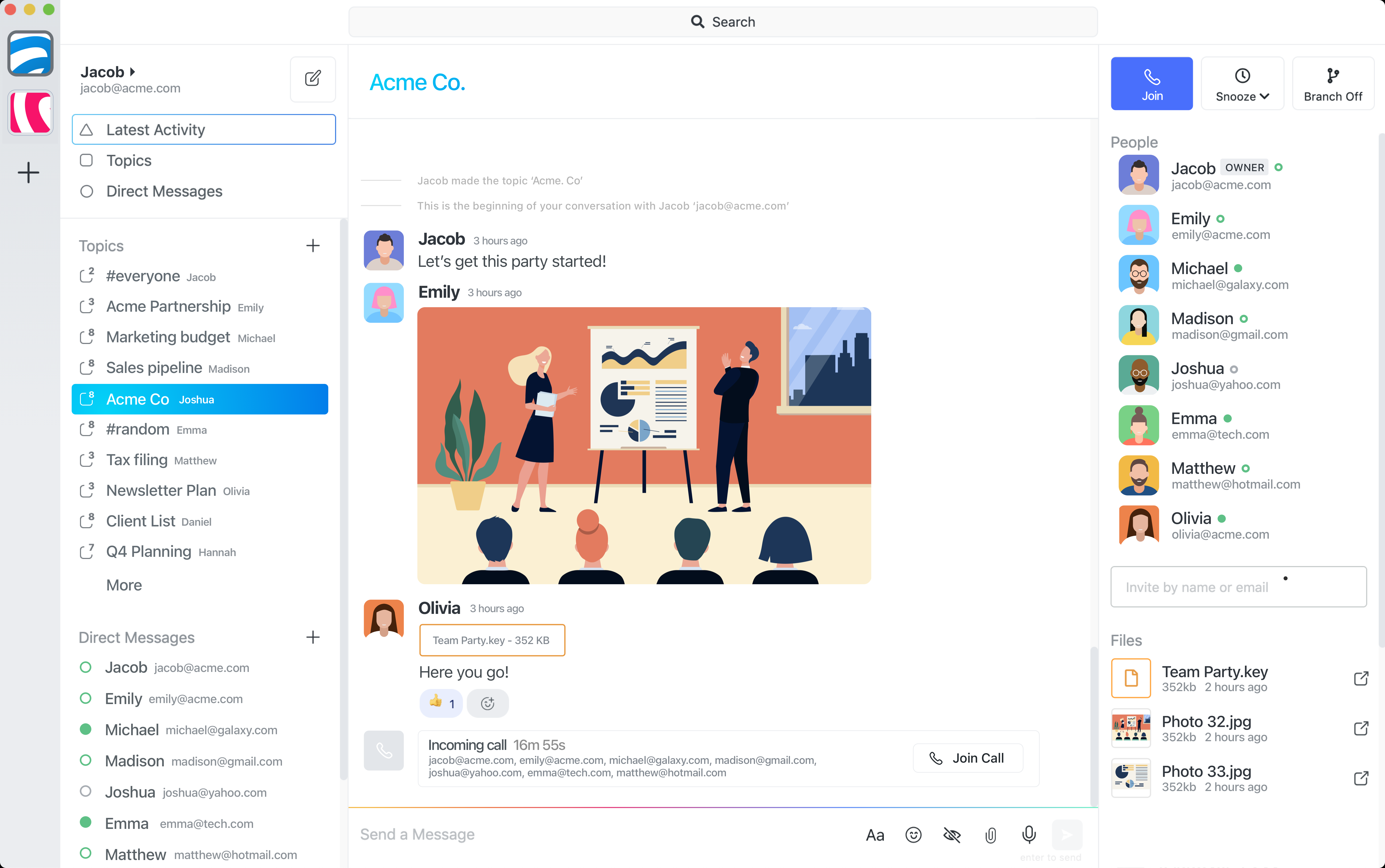
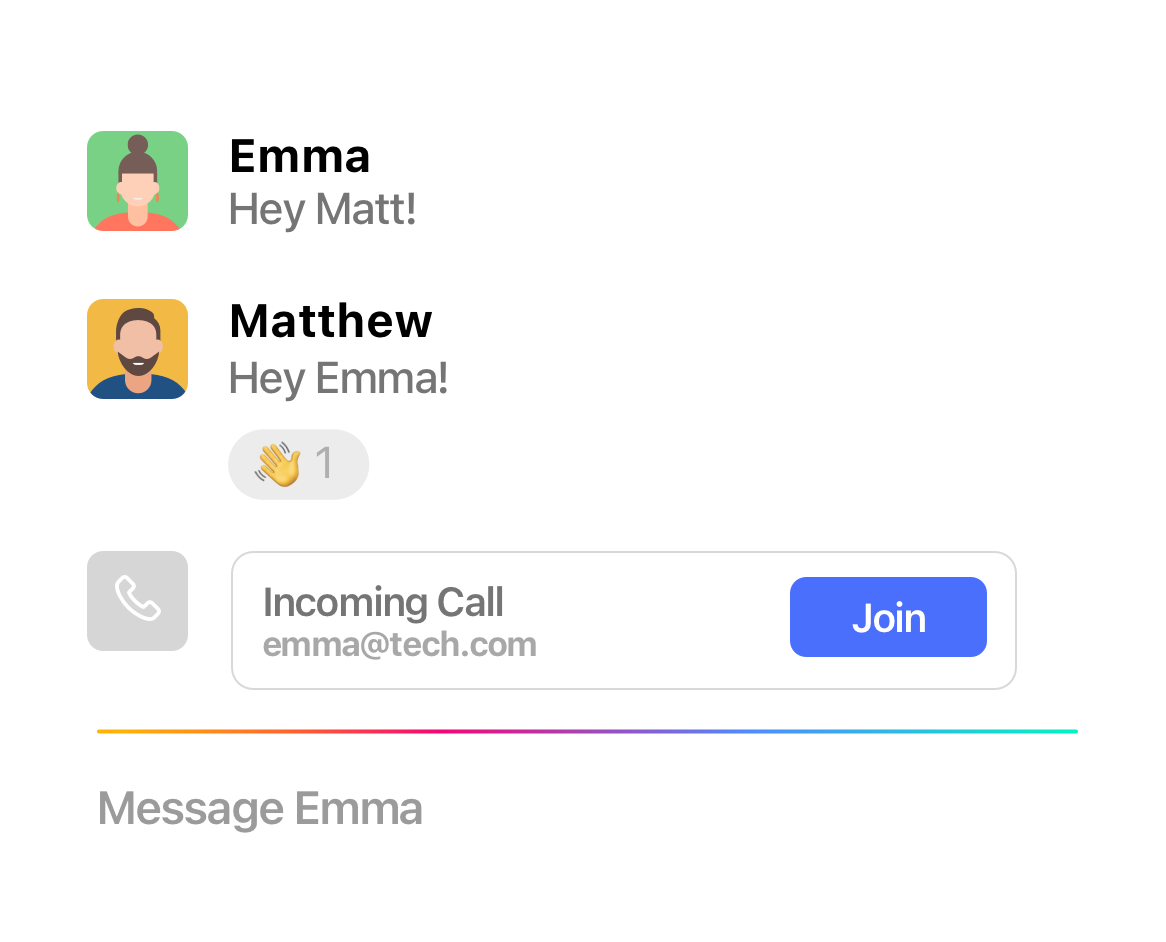
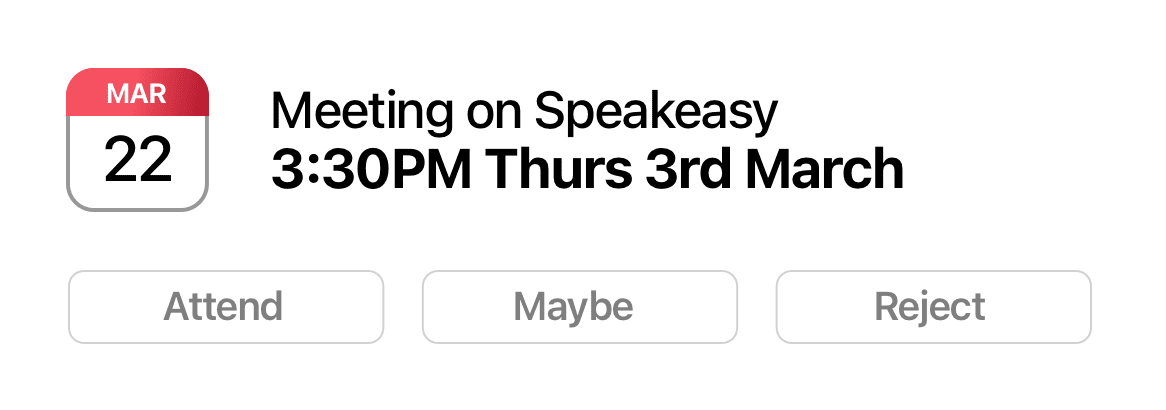
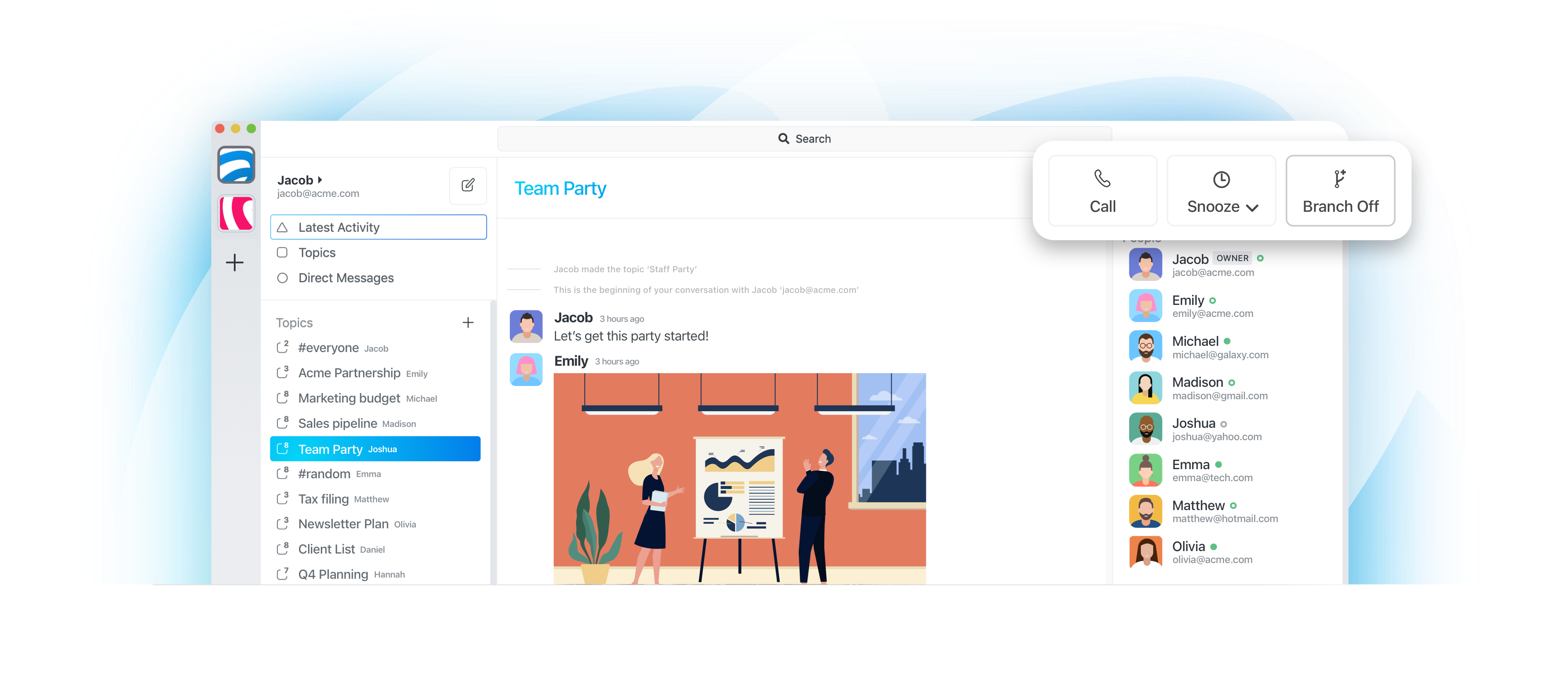
Close or snooze a conversation (all data is saved and easy to search)
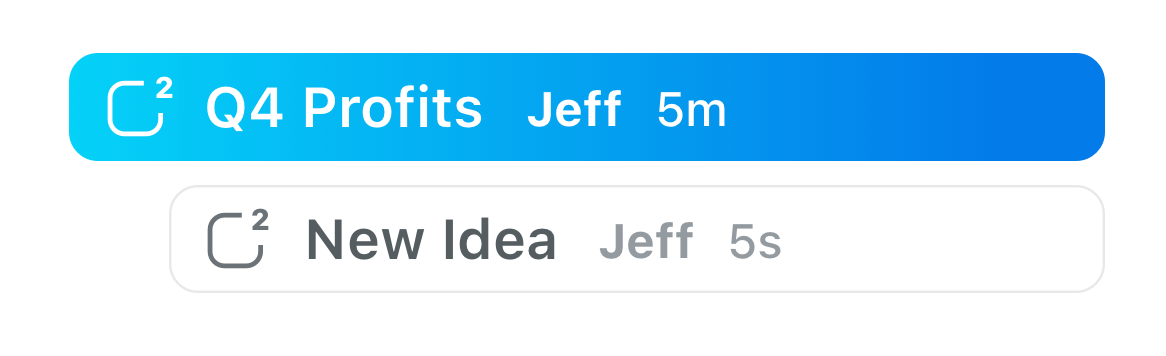
Start again on something new - branch off an existing topic using the same people (or create a new topic)
AI agents need clear context. Broad channels are noisy, and threads can hide important work. Speakeasy gives each task its own topic, so instructions, progress updates, approvals, files, and follow-up stay contained with the people who need them. Learn more about Speakeasy for AI agents, how OpenClaw connects to Speakeasy topics, and the published @speakeasyto/openclaw-plugin-speakeasy NPM package.
See the OpenClaw integration path
Give an agent a task-specific place with the people, files, and context it should use.
Let the agent report progress and ask focused questions without disappearing inside a channel thread.
Review proposed next steps before work moves forward.
Return to the topic later with the workflow history, files, approvals, and decisions still together.
Your phone should only buzz when something is truly important. That’s why Speakeasy reduces notifications, and reserves disruptions for critical or time sensitive messages
Securely Transmitted

Securely Received

Securely Stored


All of your data is securely transmitted and stored. Keep your conversations, files, and calls private - so only those who need to see it can.
Channel-based chat works well for announcements and broad discussion. But focused work often gets stuck between two bad options: broadcast it to everyone, or bury it in a thread. Speakeasy gives each piece of work its own topic, so the conversation is visible to the right people without becoming noise for everyone else.
Channels are useful for broad groups, but a specific decision, handoff, review, or customer question can quickly clutter the main room.
Threads help in the moment, but they are easy to miss, hard to scan, and weak as the long-term home for work that needs shared context, durable decisions, and a clear place to return.
Speakeasy makes each piece of work a first-class topic with the right people, files, and decisions together from the start.
Not every conversation needs a public channel. Start a topic for a decision, client question, or handoff and keep it with the people who need the context.
Focused spaces make it easier to finish a conversation without pulling a whole team channel into every update, side question, or file review.
When work needs focus, Speakeasy keeps decisions, files, and follow-ups in a topic your team can scan, finish, and reopen later.
| Model | Works well for | Breaks down when |
|---|---|---|
| Channels | Broad team discussion and announcements | Focused work creates too much noise |
| Threads | Short replies and side discussions | Important work moves into hidden conversations |
| Topics | Focused work with the right people | Broad company-wide discussion is needed |